
Sarvadhi Digital IT Consultancy empowers businesses with smart IT solutions, digital strategies, and innovative technologies to drive growth and efficiency.
© 2026 Sarvadhidigital. All rights reserved.
A Chrome extension that turns any browser screenshot into a beautiful, social-media-ready image for Twitter, LinkedIn, and Instagram in one click. Automatically captures the current tab and applies professional styling for instant sharing.
Explore Screenshotly — the fastest way to capture and style browser screenshots for social media sharing.
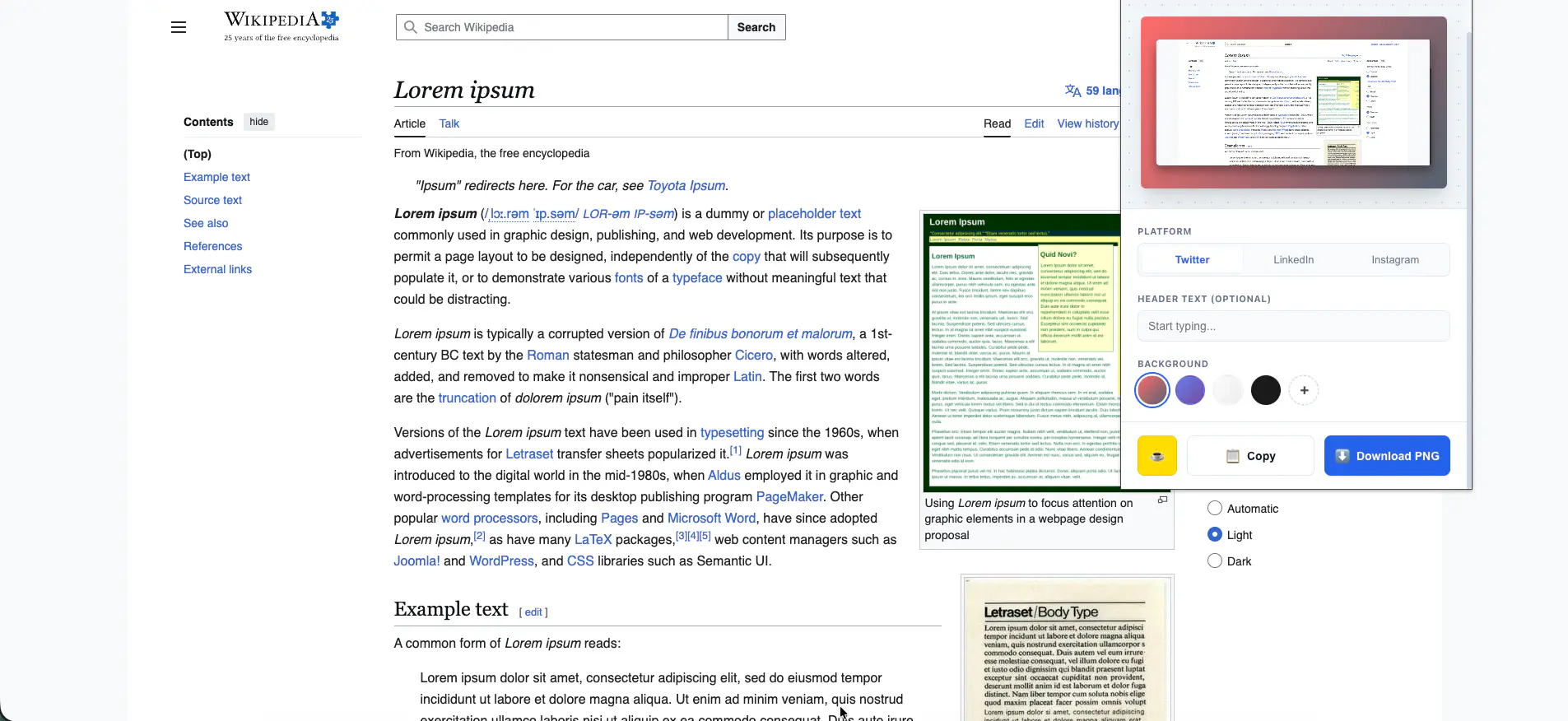
Screenshotly instantly captures your current browser tab with a single click, ready to be styled and shared on social media platforms.
Automatically formats and styles screenshots to look professional and polished for Twitter and X — perfectly sized and beautifully framed.
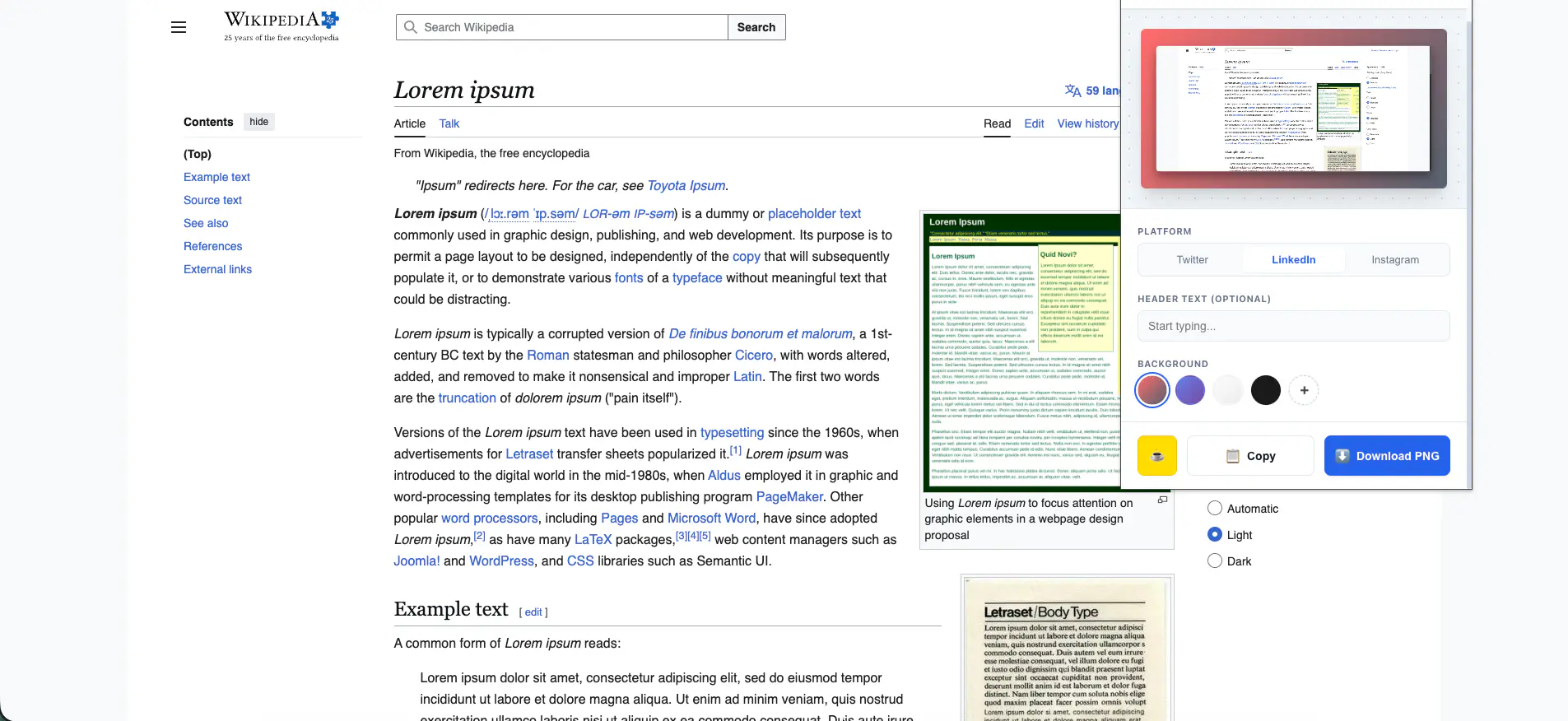
Export screenshots in LinkedIn and Instagram-optimized formats with professional styling applied automatically for maximum visual impact.
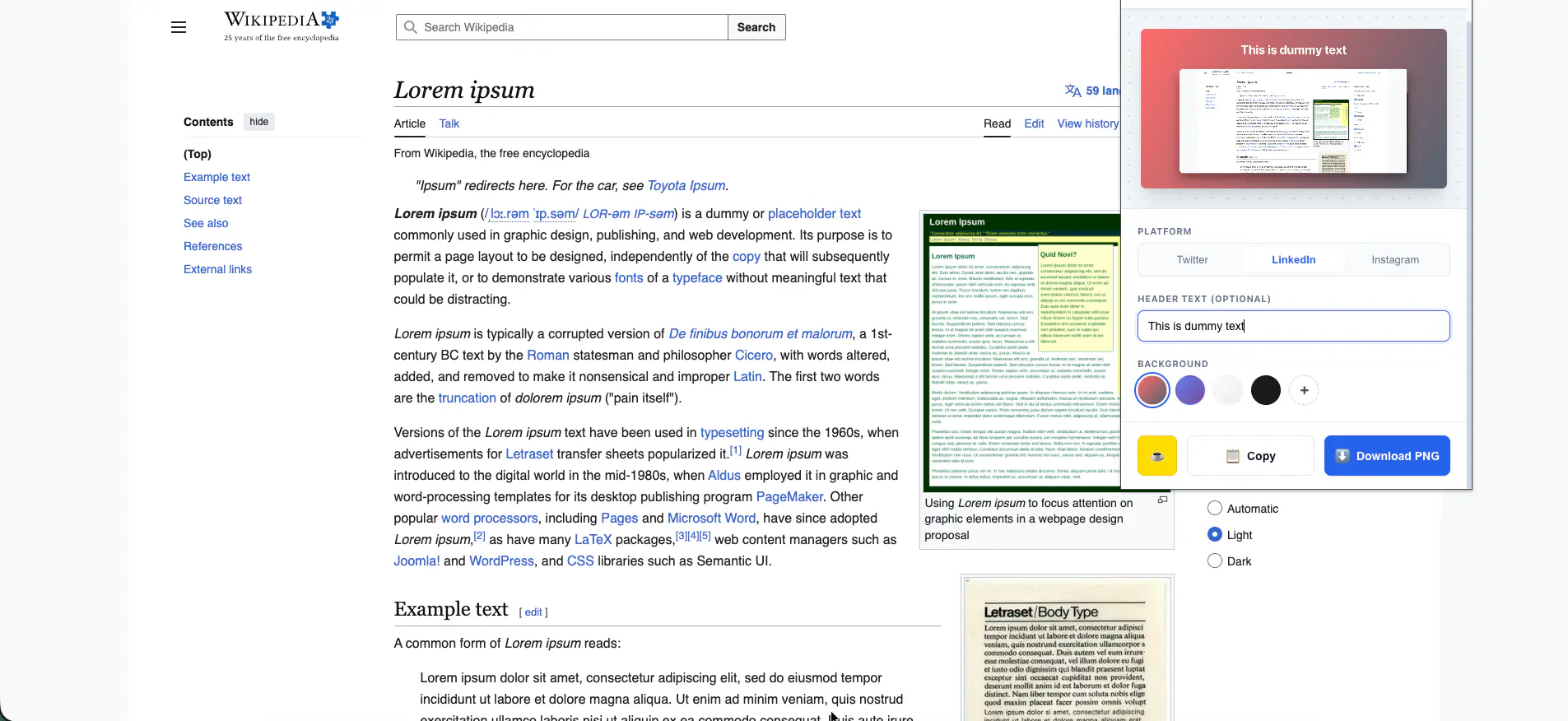
Apply beautiful backgrounds, padding, and shadow effects to any screenshot and export instantly — no design tools required.
Built as a lightweight Chrome extension leveraging browser APIs for instant tab capture and client-side image processing.
Core extension logic and image processing
Manifest V3, tabs API, screenshot capture
Client-side image styling and rendering
Twitter, LinkedIn, Instagram size presets
Extension popup UI and styling controls
Version control and release management
Everything you need to capture, style, and share beautiful screenshots without leaving your browser.
Instantly capture your current browser tab in full quality with a single click.
Auto-styled screenshots perfectly sized and formatted for Twitter and X sharing.
Professional LinkedIn-ready screenshot format to showcase your work and projects.
Square and portrait format exports styled beautifully for Instagram posts.
Apply backgrounds, padding, rounded corners, and drop shadows automatically.
Download your styled screenshot instantly — no account, no upload, no waiting.
All processing happens locally in the browser. No data is collected or sent to any server.
Professional results in seconds — no Figma, Canva, or Photoshop required.
Building a seamless, privacy-first screenshot styling tool that works entirely inside the browser.
Capturing the full visible area of any browser tab in high resolution, handling dynamic content, scrollable pages, and cross-origin iframes without quality loss or permission issues.
Used Chrome's chrome.tabs.captureVisibleTab API with Manifest V3 permissions model to capture the active tab at full device pixel ratio, ensuring crisp, high-resolution screenshots on all screen types including HiDPI and Retina displays.
A fast, privacy-first screenshot tool loved by developers, designers, and content creators sharing their work online.
From concept to a published, 5-star rated Chrome Web Store extension.
Let's collaborate to create powerful browser extensions and tools that help users work smarter and share their work beautifully.