
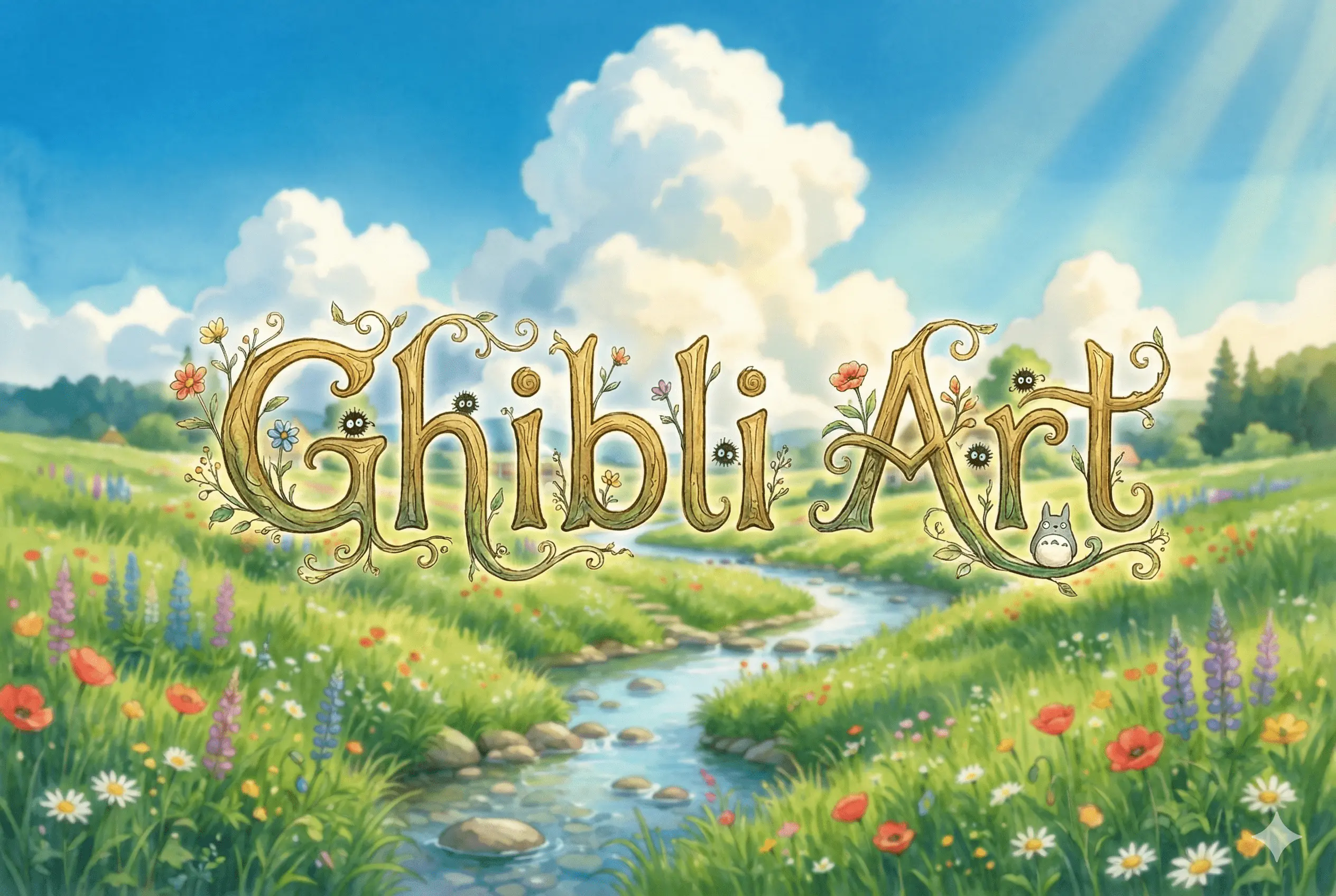
How to Get the Studio Ghibli Art Style: Transform Your Photos into Anime Magic
There is something deeply nostalgic about Studio Ghibli art. Whether it’s the rolling green hills of My Neighbor Totoro or the glowing, whimsical streets in Spirited Away, the "Ghibli look" is more than just a filter—it’s a feeling.
For a long time, achieving this specific hand-painted aesthetic required years of illustration practice or a massive art book studio ghibli fans keep on their coffee tables. But today, thanks to the Craft AI Image Generator, you can bring that same magic to your own photos.
In this guide, we’ll show you how to master the ghibli art style and turn your everyday snapshots into cinematic anime frames.
What Makes the Ghibli Art Style So Special?
The reason so many people search for ghibli art is that it blends realism with a sense of wonder. Unlike modern, sharp-edged CGI, the Ghibli aesthetic is known for:
- Lush, painterly textures: Every leaf and cloud looks like it was touched by a paintbrush.
- Vibrant, natural colors: Deep forest greens, soft sunset oranges, and sparkling blues.
- Whimsical lighting: Sunbeams breaking through trees or the soft glow of a lantern.
Using Craft AI, the "Nano Banana" model specifically looks for these artistic cues to rebuild your photo into a hand-drawn masterpiece.
How to Create Ghibli-Inspired Art from Your Photos
Ready to see yourself or your neighborhood through the lens of a legendary animator? Here is how to use the ghibli art style filter in Craft AI:
1. Choose a Scene with Nature
While the AI can "Ghibli-fy" anything, the style shines brightest with landscapes, gardens, or cozy interior shots. Upload your photo to the Image-to-Image section of the app.
2. Select the "Anime/Ghibli" Model
In the style menu, look for the dedicated Ghibli-inspired preset. This tells the AI to prioritize soft edges and that iconic watercolor-wash background.
3. Use a "Ghibli-Specific" Prompt
If you want to guide the AI further, try adding a few descriptive words in the prompt box:
- "Soft summer breeze, lush meadow, whimsical clouds, Studio Ghibli aesthetic."
- "Cozy wooden cottage, glowing interior light, hand-painted anime style."
4. Adjust the Strength
If you want the result to look exactly like your house, keep the strength low (around 30-40%). If you want a total transformation into a ghibli art world, crank it up to 70%!
Why Every Fan Needs a Ghibli AI Creator
If you’ve ever flipped through an art book studio ghibli publishes, you know the level of detail is staggering. Craft AI isn't just about making "cartoons"; it’s about capturing that high-level artistry. It’s perfect for:
- Creating unique phone wallpapers of your own backyard.
- Designing personalized gifts for anime lovers.
- Visualizing your own stories in a world-class art style.